Henry
Henry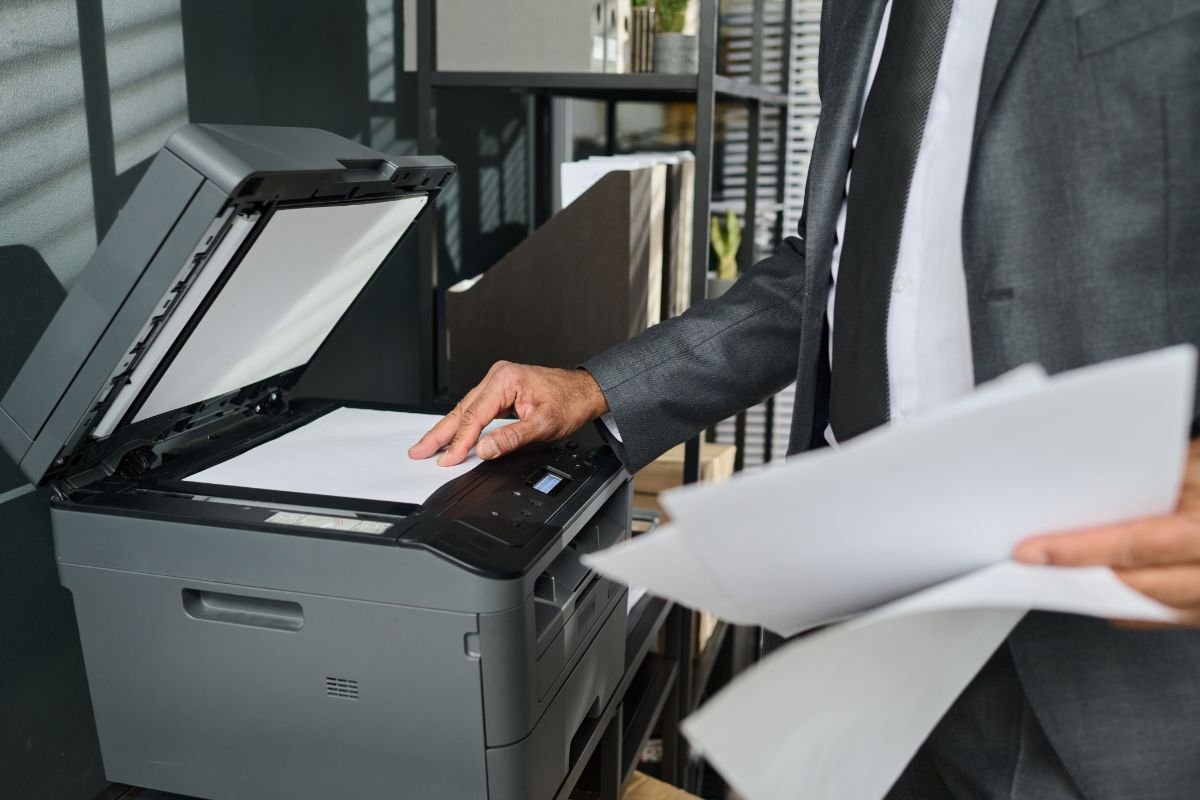
A busy workplace depends on equipment that can handle everyday demands without creating unnecessary interruptions. While computers and communication systems often receive the most attention, printers remain important in offices where contracts, reports, invoices, forms, labels, and other documents are regularly produced.
Choosing the right printer involves more than comparing purchase prices. Printing speed, paper handling, connectivity, security, maintenance requirements, and operating costs can all influence workplace productivity. Understanding these features makes it easier for businesses to select equipment suited to their daily workload.
Printing Speed for Demanding Workloads
Print speed is an important consideration in workplaces where several employees regularly produce documents. A slow machine can quickly create delays when multiple print jobs enter the queue at the same time.
Businesses should consider their normal printing volume rather than automatically selecting the fastest available model. A small team that occasionally prints documents may have very different requirements from an office processing large reports throughout the day.
Fast printing becomes particularly valuable when documents contain numerous pages. Reducing the time employees spend waiting near a printer can contribute to a smoother workflow.
Automatic Duplex Printing
Double-sided printing is another practical feature for busy offices. Automatic duplex functionality allows a printer to produce content on both sides of a sheet without requiring someone to manually turn the paper over.
This feature can reduce paper consumption while making reports, presentations, manuals, and internal documents more compact. It can also simplify repetitive printing tasks because employees do not have to interrupt their work to manage paper manually.
For organisations that regularly handle large documents, automatic duplex printing can become a useful everyday convenience.
Flexible Connectivity for Multiple Users
Modern workplaces frequently use a combination of desktop computers, laptops, tablets, and smartphones. Printer connectivity therefore plays an increasingly important role in selecting office equipment.
Depending on the model, Brother printers may provide connectivity options designed to support different workplace arrangements. Businesses should evaluate available features based on how employees actually work rather than selecting functions they are unlikely to use.
Network connectivity can allow several employees to access the same printer, while compatible wireless printing options may provide additional flexibility. Convenient access becomes particularly helpful in offices where teams move between desks or use different devices throughout the day.
Paper Handling and Capacity
Constantly refilling paper trays can interrupt productivity, particularly in workplaces with substantial printing requirements. Paper capacity should therefore be considered alongside printing speed.
A printer with a capacity appropriate for the organisation’s normal workload may require less frequent attention. Some workplaces may also benefit from equipment that supports different paper sizes or types.
Businesses should examine both input and output capacity when comparing options. Choosing suitable paper handling capabilities can help prevent a printer from becoming an unnecessary bottleneck during busy periods.
Scanning and Copying Capabilities
Many workplaces need more than basic printing. Multifunction models can combine printing, scanning, and copying within a single device, reducing the need for separate equipment.
An automatic document feeder can be particularly helpful when employees regularly scan or copy multipage documents. Instead of positioning every sheet individually, users can process a stack of pages more efficiently.
The value of multifunction capabilities depends on workplace routines. Businesses should consider how frequently employees perform each task before deciding which features are essential.
Security and User Management
Printers connected to workplace networks may handle confidential documents, making security another important consideration. Depending on organisational requirements and the specific printer model, businesses may want features that help control access or manage printing activity.
Secure printing capabilities can be useful when employees work with financial information, contracts, employee records, or other sensitive documents. Organisations should assess printer security as part of their broader approach to protecting business information.
Maintenance and Operating Costs
Purchase price represents only one part of printer ownership. Toner or ink, replacement components, paper consumption, maintenance, and energy use can contribute to long-term expenses.
Businesses should consider expected page volume and consumable yields before choosing equipment. A printer with a lower initial price is not necessarily the most economical choice if its ongoing operating expenses are significantly higher.
Choosing Features Around Real Workplace Needs
The most suitable office printer is ultimately one that fits the way employees work. High printing speeds, duplex functionality, flexible connectivity, practical paper capacity, multifunction capabilities, and appropriate security features can all contribute to a more efficient workplace.
Rather than choosing equipment based on a single specification, businesses can evaluate their typical document volume, number of users, preferred connectivity, and ongoing costs. Matching these requirements with appropriate printer features can help reduce interruptions and support dependable everyday productivity.